Stencil

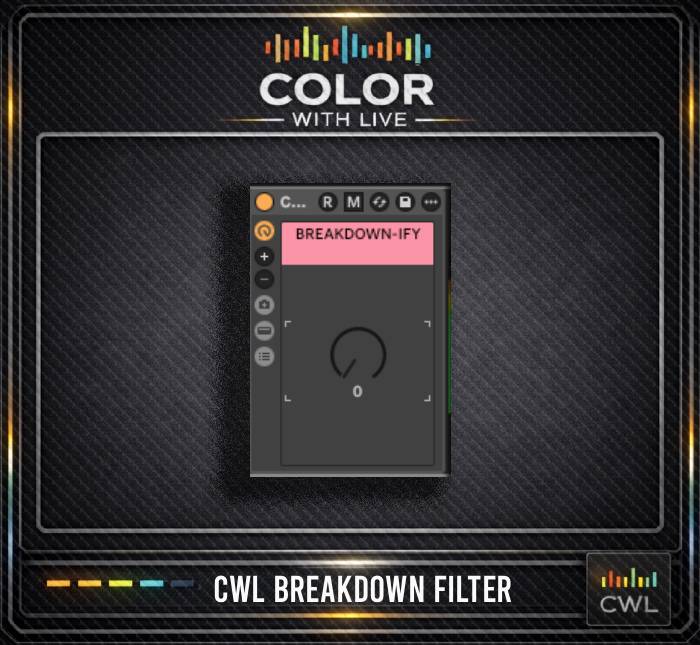
CWL BREAKDOWN FILTER

$0.00

This is a smooth, one-knob filter effect designed for transitions into breakdown sections, where cutting both the highs and lows helps bring the vocal into focus. The filter includes built-in resonance to create that classic DJ knob-turning feel. It’s a quick, easy, and repeatable way to get your breakdowns sounding right without adding a bunch of unnecessary plugins or clutter.

PROJECT BREAKDOWN

FEATURES

Key-Mapped Frequency
Check Rack

Clean up your mix fast with a visual EQ guide

Melody and
Counterpoint Placement

See how the emotion builds

Pre-Programmed MIDI
(Basic Pulse)

Kick, snare, and hats mapped for rhythm

Two Key-Mapped
Reference Channels

A/B your version with the original structure

Clearly Labeled
Automation Lanes

Filters, transitions, and FX laid out

Vocal-Friendly Flow &
Arrangement

Spacious structure ideal for writing and recording

FREQUENTLY ASKED QUESTIONS

Color With Live provides arrangement stencils for Ableton Live. These stencils show the full structure and layout of popular genres so producers can see exactly how songs are organized.
A stencil contains the full arrangement outline, MIDI placeholders, timing, color coding, and labeled sections that show how the original track is structured. No audio files, samples, presets, or copyrighted sounds are included.
They are structure templates only. They do not include instruments or sounds. Think of them as visual roadmaps that guide your creative process.
Yes. The stencils show exactly where drums, bass, vocals, and FX sections should go. This helps beginners understand arrangement faster.
Yes. Intermediate and advanced producers use stencils to speed up workflow, reduce decision fatigue, and stay consistent with genre standards.
The stencils are arrangement focused. Music theory is taught in separate courses.
They are inspired by popular tracks in each genre, but they are not recreations. Only the structure is shown, not the original sounds or notes.
Yes. The stencil is only a framework. Your music, sound selection, and creative decisions are entirely your own.
Yes. Once you download it, it is yours permanently.
Yes. Customer requests influence what gets made next.
Yes just reach out to use via contact through colorwithlive.com and we will make sure you are refunded.
Color With Live Stencil projects were created in Ableton Live 11.3.21. They will only work in Ableton Live and can not be used in other DAW's such as Logic or FL Studio.
Color With Live Stencils are empty arrangements based off of popular songs. We provide the structure, all instrument elements, blank midi instrument loop lengths, and basic drum midi so that the artist, can develop your own songs with ease. These stencils allow you to accelerate the production by streamlining your workflow.
Two audio reference channels can be found at the top of each Color With Live Stencil. This is where you put your reference tracks. Reference 1 & 2 are both routed to the reference group. Seemly switch between Reference 1, 2, and your current project with the following key-commands:

Reference 1 - [
Reference 2 - ]

Additional reference tools -

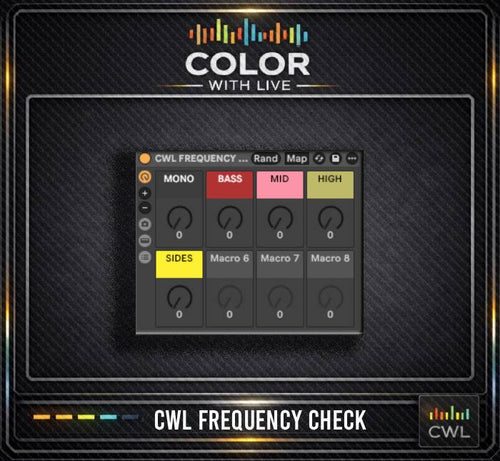
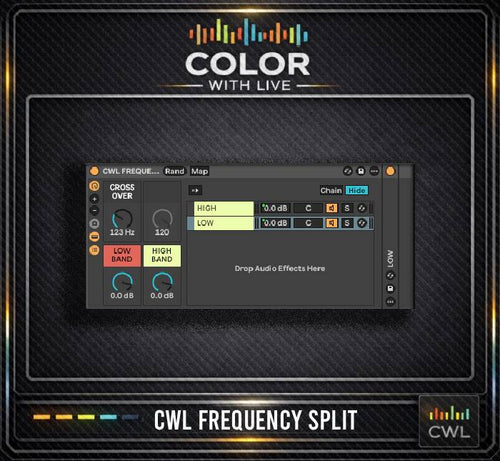
On both the master channel and the reference group, there is an Ableton FX rack that allows you to solo high, mid, and low frequencies as well as check your side and mono frequencies. These are also mapped to key commands.

Mono - M (Capital M)
Solo Lows - ,
Solo Mids - .
Solo Highs - /
Solo Sides - ;
Take a look at the Frequency Check audio FX rack on the Master and Reference Group. Make sure something isn’t solo’d that shouldn’t be.

Color With Live Stencils are arrangement guides based off of popular songs. No audio from the original songs are provided in the projects.