
Ableton Rack
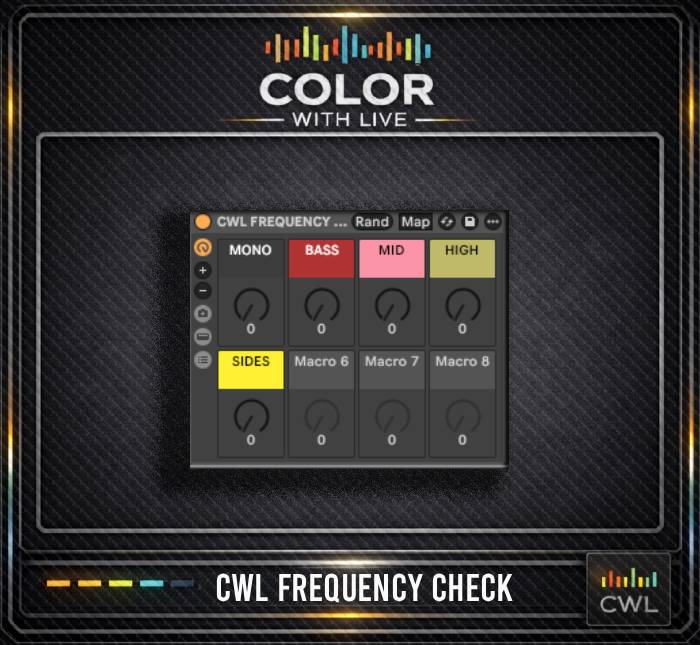
CWL FREQUENCY CHECK
Ableton Rack
CWL FREQUENCY CHECK
About this rack
This rack started as something I picked up years ago from my buddy @lorenmooreofficial and turned into my go to frequency check tool. I changed the colors on it so its mine now Loren.
Drop it on your reference track in Ableton and keymap the knobs to your keyboard to instantly solo lows, mids, highs, or sides. This lets you flip back and forth between your track and your reference without opening any additional plugins.
If you take the time to use it properly, this rack becomes a serious weapon. It is built into every color of Live Stencil and lives in every one of my sessions.
You get all 12 CWL racks
Sign up once and we send you every CWL rack, not just this one. One download, the full set, yours to keep.
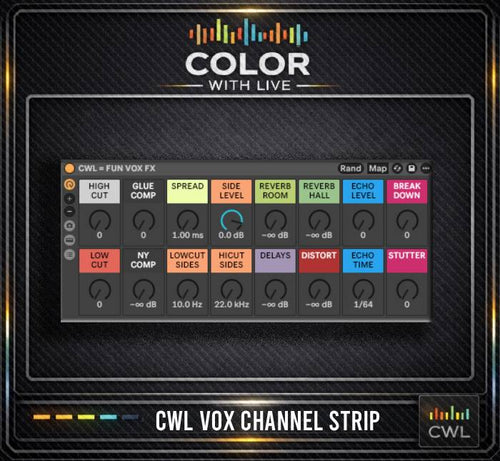
CWL VOCAL CHANNEL STRIP

CWL BREAKDOWN FILTER
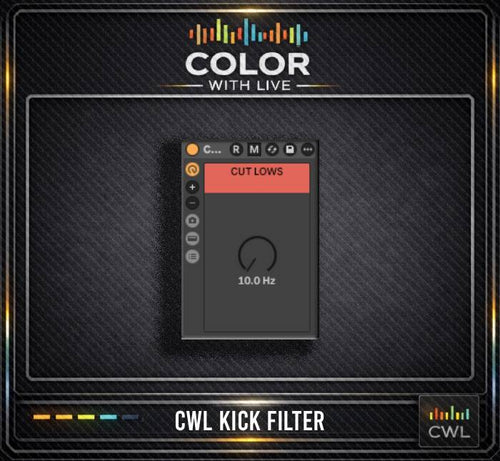
CWL KICK FILTER
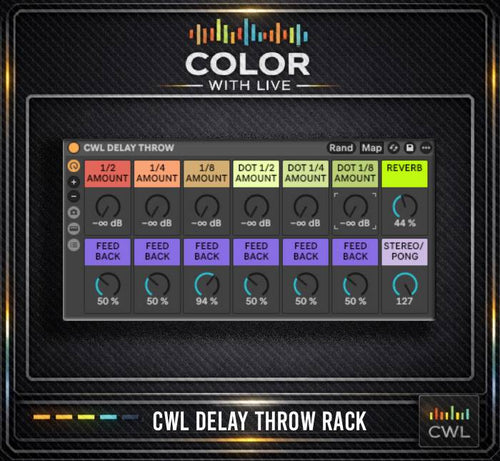
CWL Delay Throw
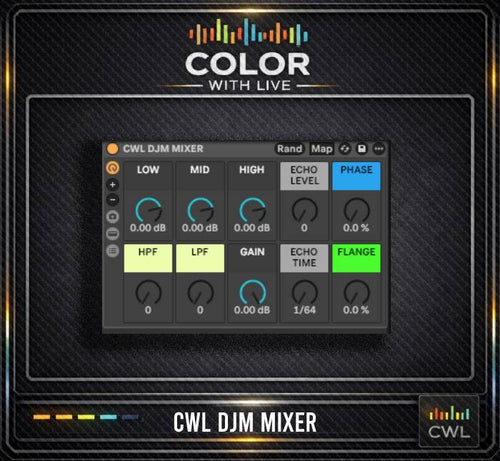
CWL DJM MIXER
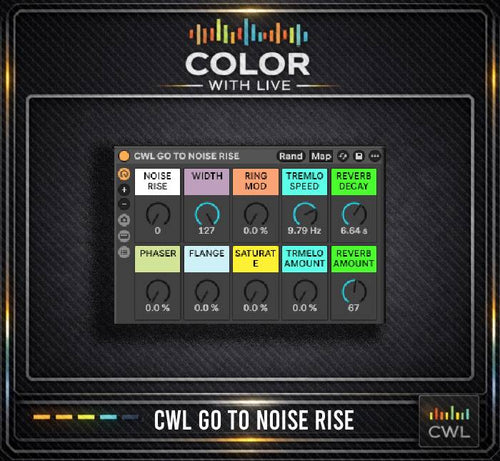
CWL GO TO NOISE RISE
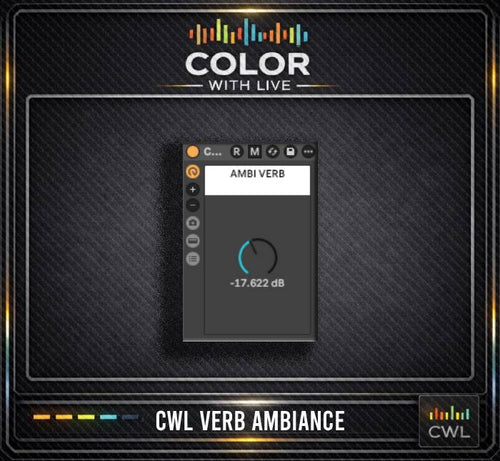
CWL VERB AMBIANCE
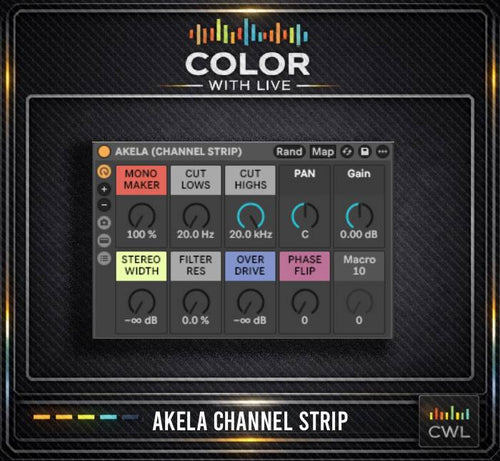
AKELA CHANNEL STRIP

CWL AKELA REVERB THROW
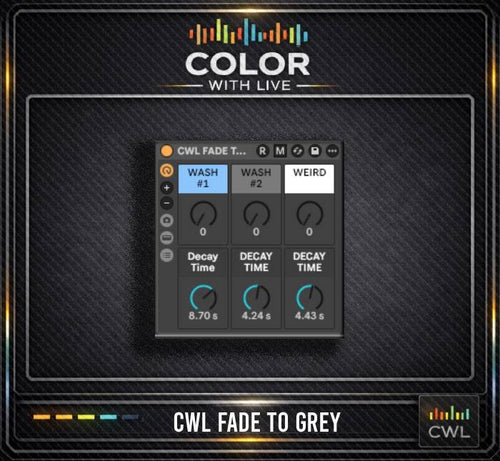
CWL FADE TO GREY
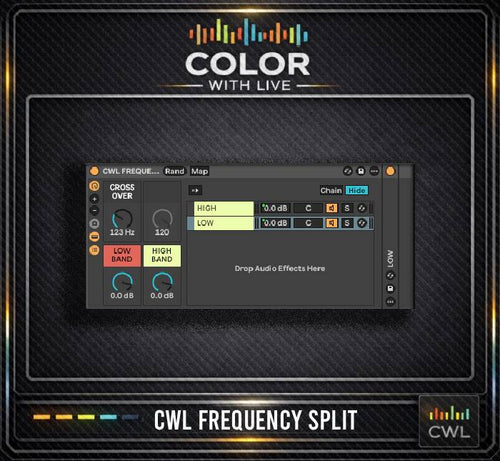
CWL FREQUENCY SPLIT